Hey folks,
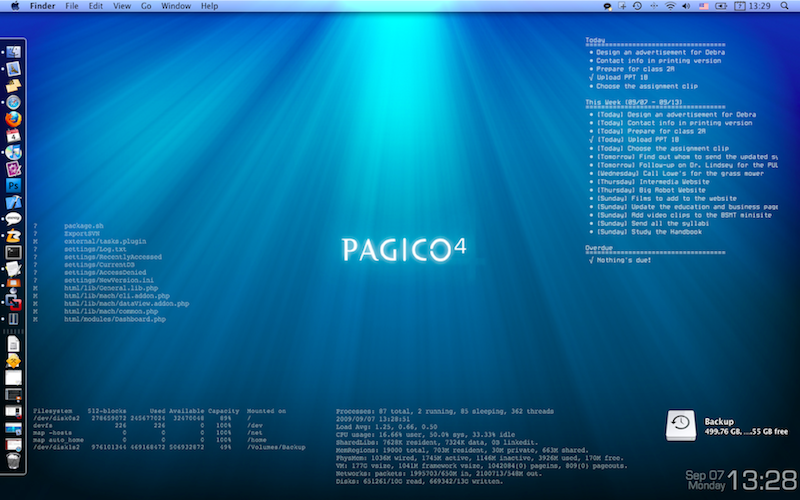
As mentioned in my other post before, that the new CLI Tasks plugin allows users to access their tasks via the command line, I was able to place my upcoming tasks directly on my desktop (Mac), with the help of a fantastic (and free!) utility called GeekTool. I found it to be a very neat way to use Pagico, as it reduces my workload (by not launching apps all the time) and keeps me informed about what’s next in a very non-intrusive way.
For those who’re interested in using this on your Mac, please read this tutorial.
After that, I’ve been trying to look for equivalent applications on Windows that does the same thing — placing some command line output onto the desktop with automatic updates — but no luck. 🙁 I finally gave up searching for it, although I believe there’s gotta be some apps that do this trick on Windows.
So here I’m asking for help from you folks: I’m looking for an application (on Windows) that could display results from command line onto your desktop. It could be windowed or window-less (preferred), and it’s similar to those desktop calendars but for command line programs. It would be great if someone can give me some hints on this. 🙂
Also, a question for Ubuntu users
The other day another user told me that Conky was the ideal solution on Ubuntu to do this job. But it turns out to only support its built-in (or plug-in) variables but not results from the command line. Plus, it was really complex to configure.Anyone has a better plan here?