




Turn data into meaningful and visual stories
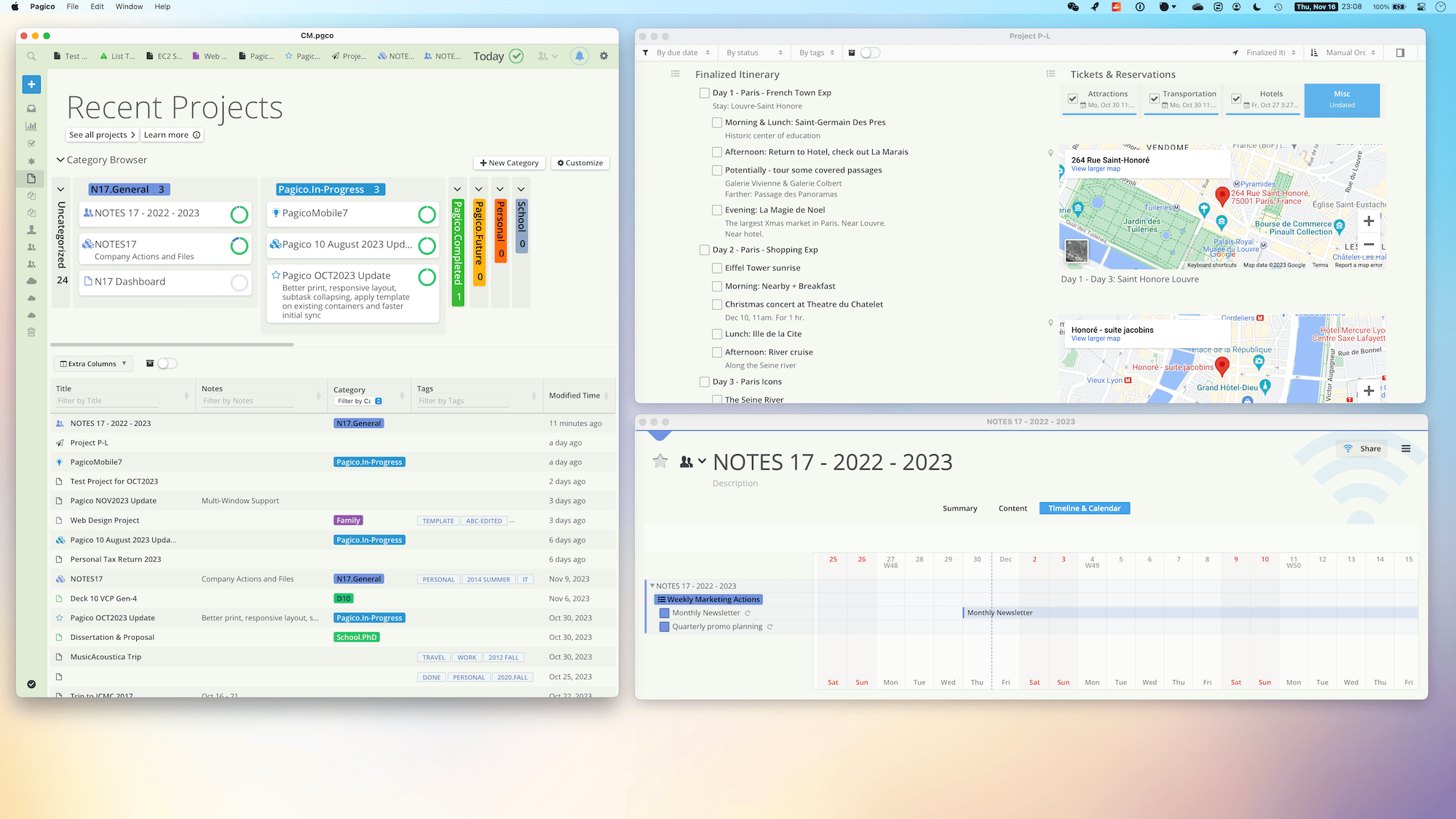
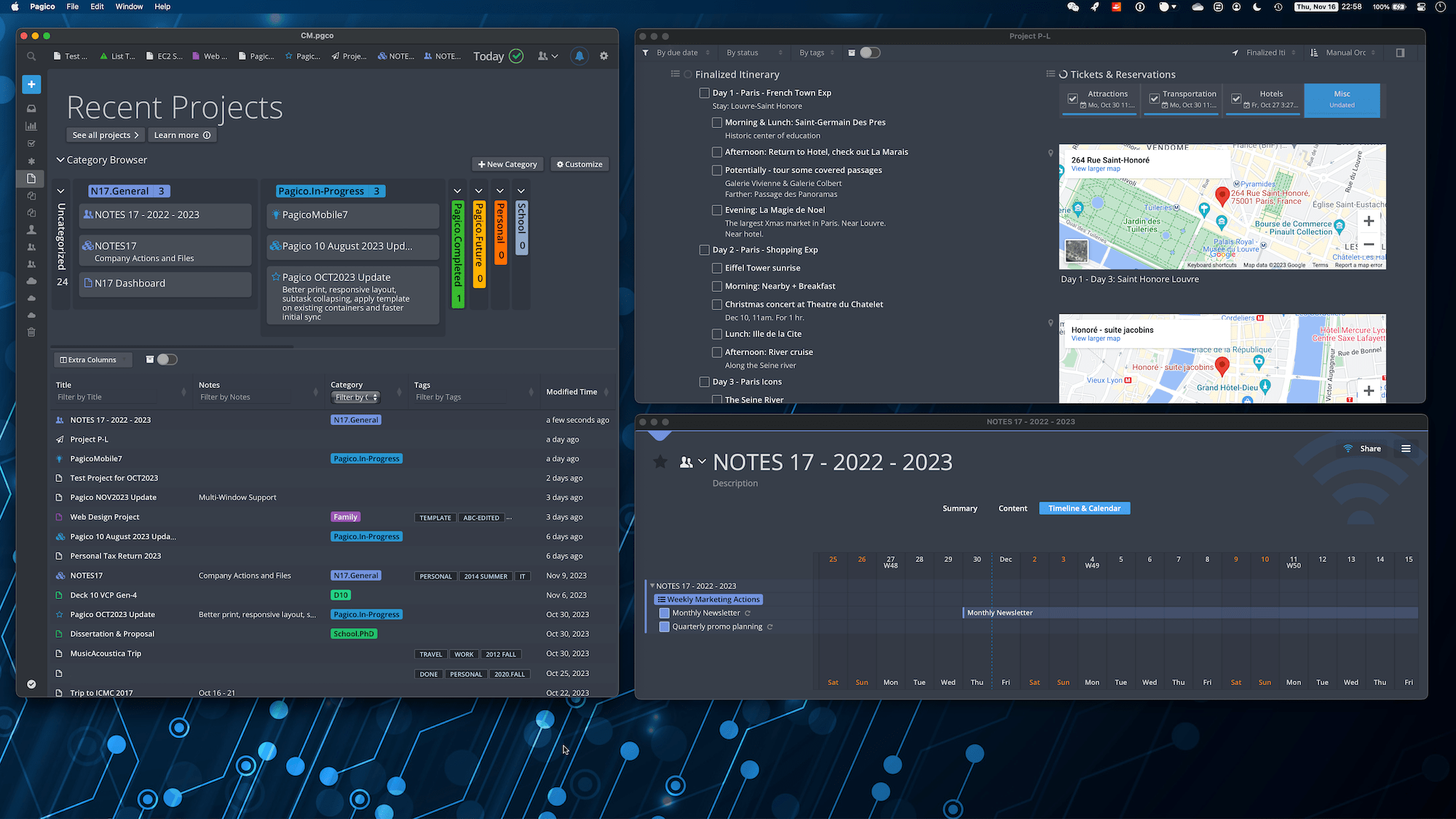
Centralize everything.
... and you'll have a tremendous productivity boost.
You can have your vacation itineraries stored right next to restaurant menus, and action items right on top of meeting notes.
Notes & Emails
Photos & Documents
Checklists & Tasks
Sub-projects & related contacts
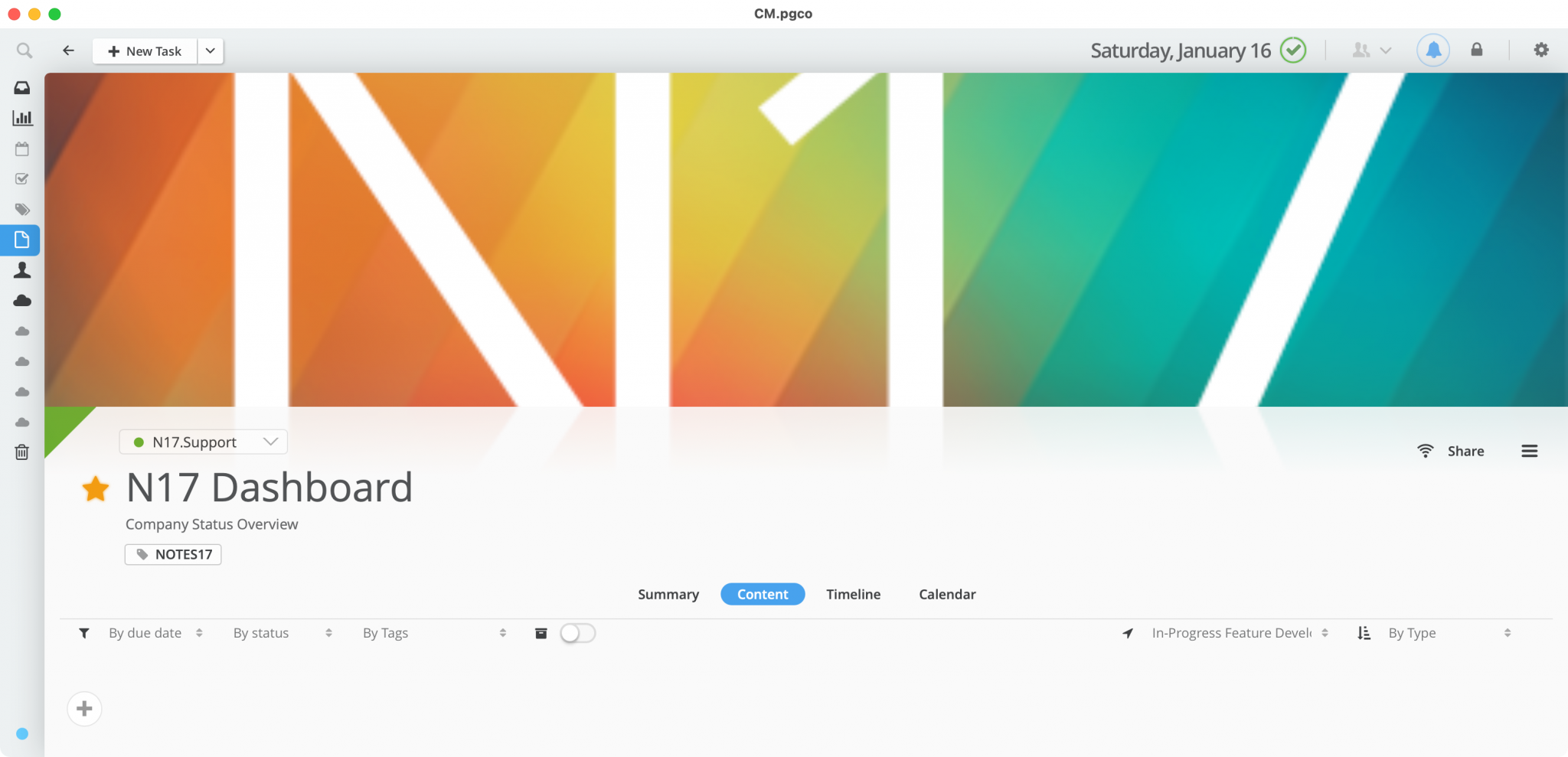
Create custom dashboards.
With Pagico, you can create custom dashboards that present the exact information you need to manage your projects and business.
Staying on top of all your projects and business is easier than ever. See how to do this.
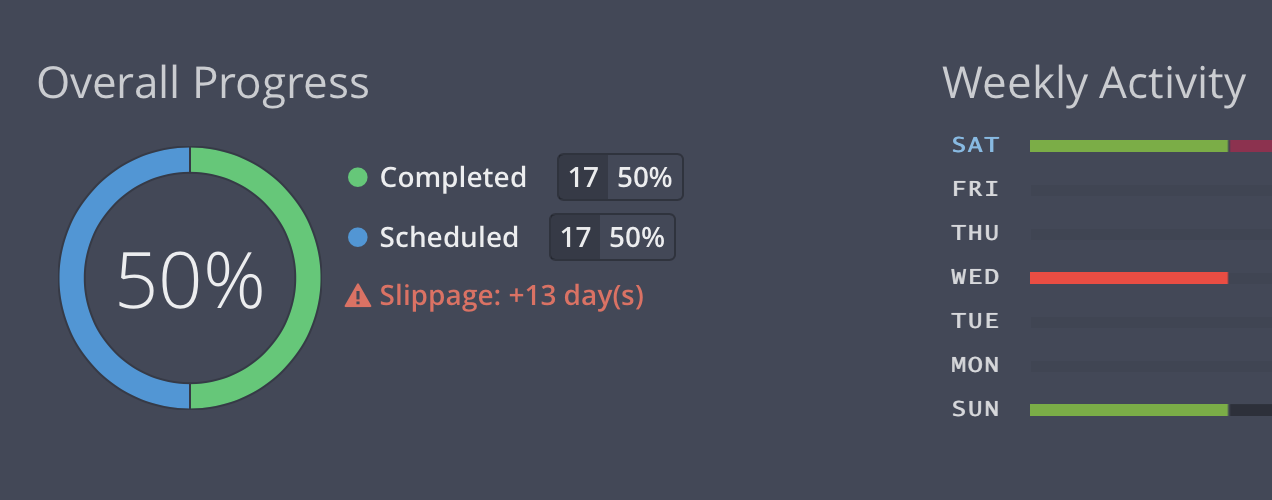
Project Status, Visualized.
Use Pagico to visualize the health status of your projects in a simplified and intuitive way.
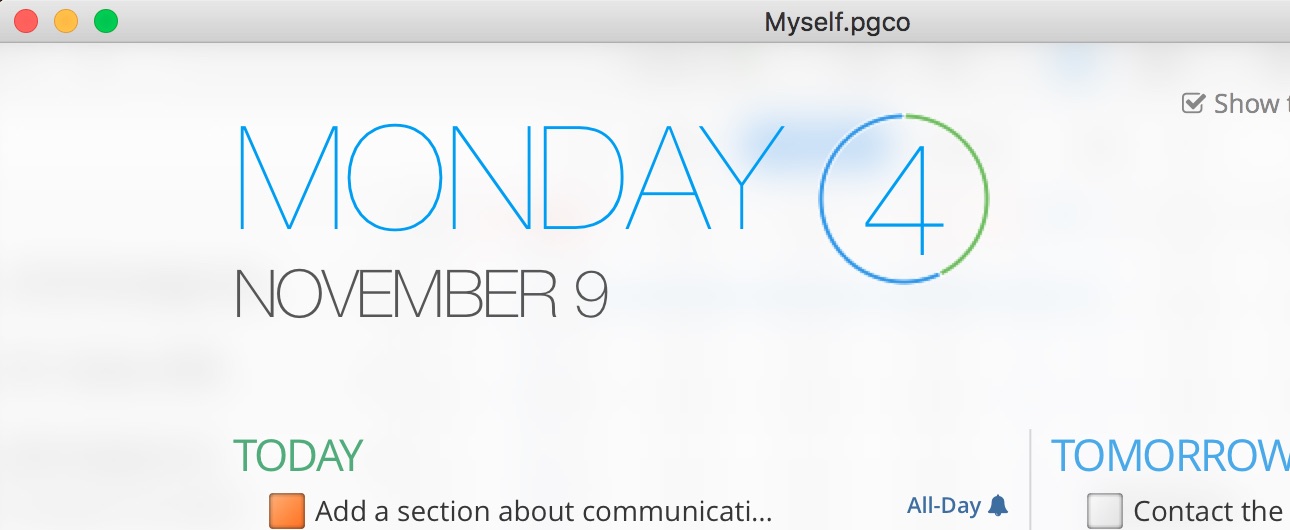
Minimalist daily planning.
With the new Today view, you can see everything scheduled for today, and things that are late with minimum friction. You can also prioritize and reschedule your tasks by simply drag-and-drop.
Plan early and review often to stay on track.
Organize, and stay organized.
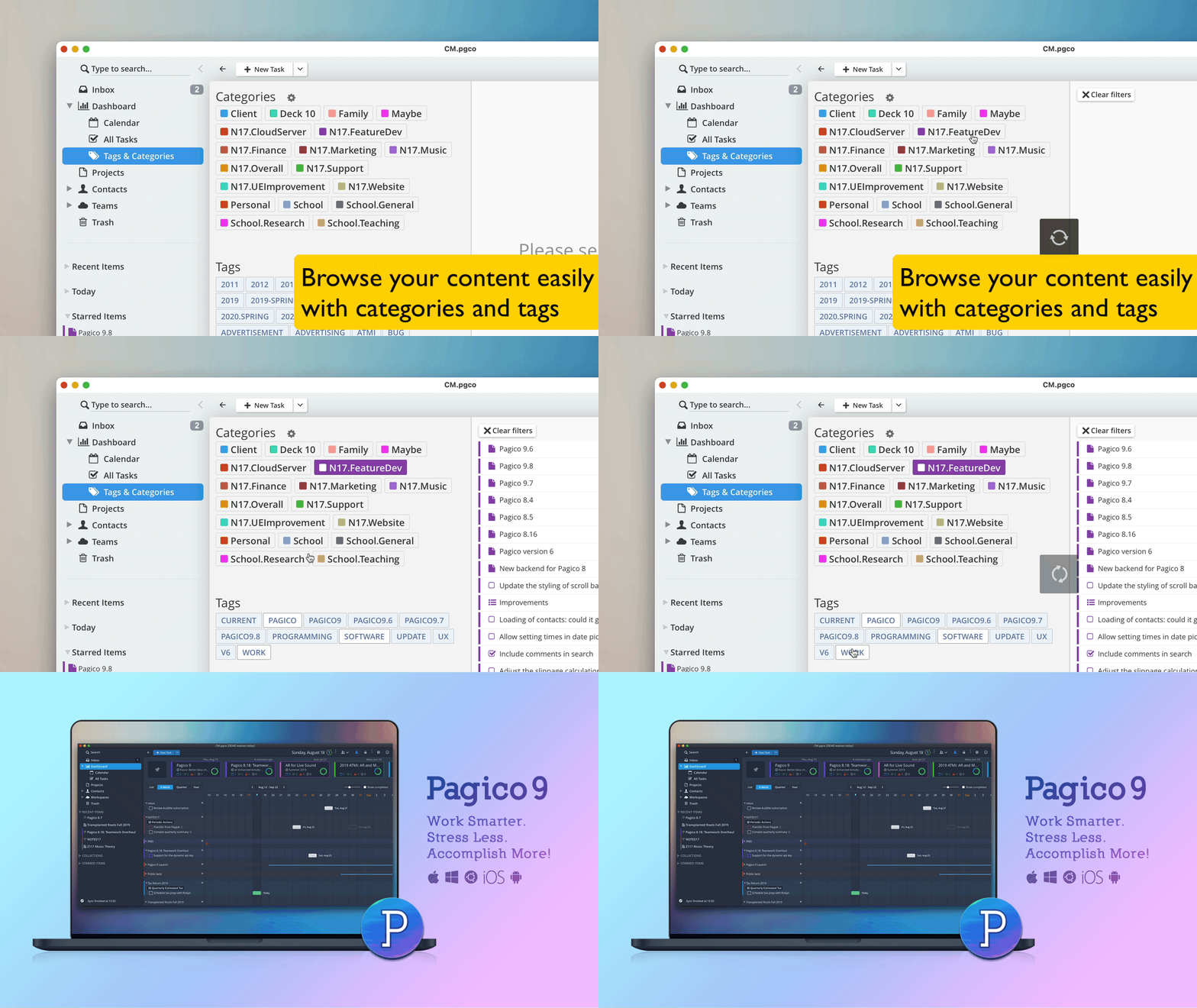
You can keep all your projects in your Pagico database and have them neatly organized. With our uniquely designed tag browser, navigating in your project library is easy and awesomely satisfying.
Our tag browser lets you quickly travel through multiple levels of your tags to find the right projects. All it takes is just a few clicks.
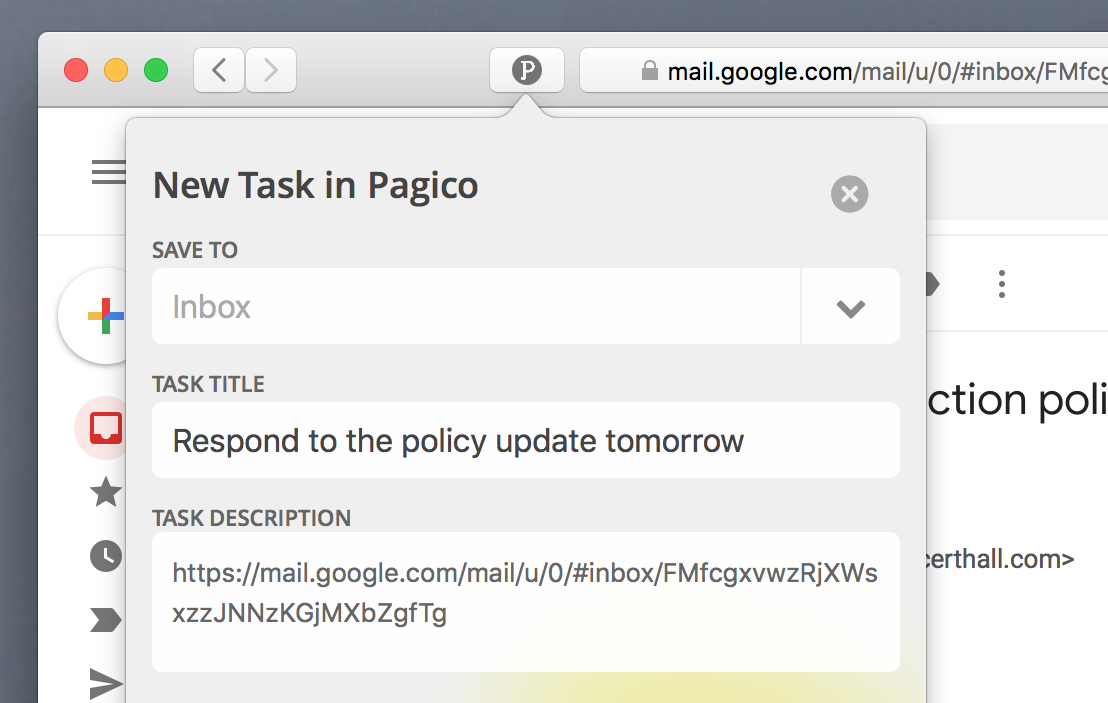
Turn web links into actions.
See something related to work? Simply use the Pagico browser extension and turn webpages into tasks with just a few clicks.
Stay offline if you wish.
Pagico lives on your computer, so it keeps all your data on-device by default. So if you want, you can keep everything offline for performance and privacy purposes.
Sync & Collaborate.
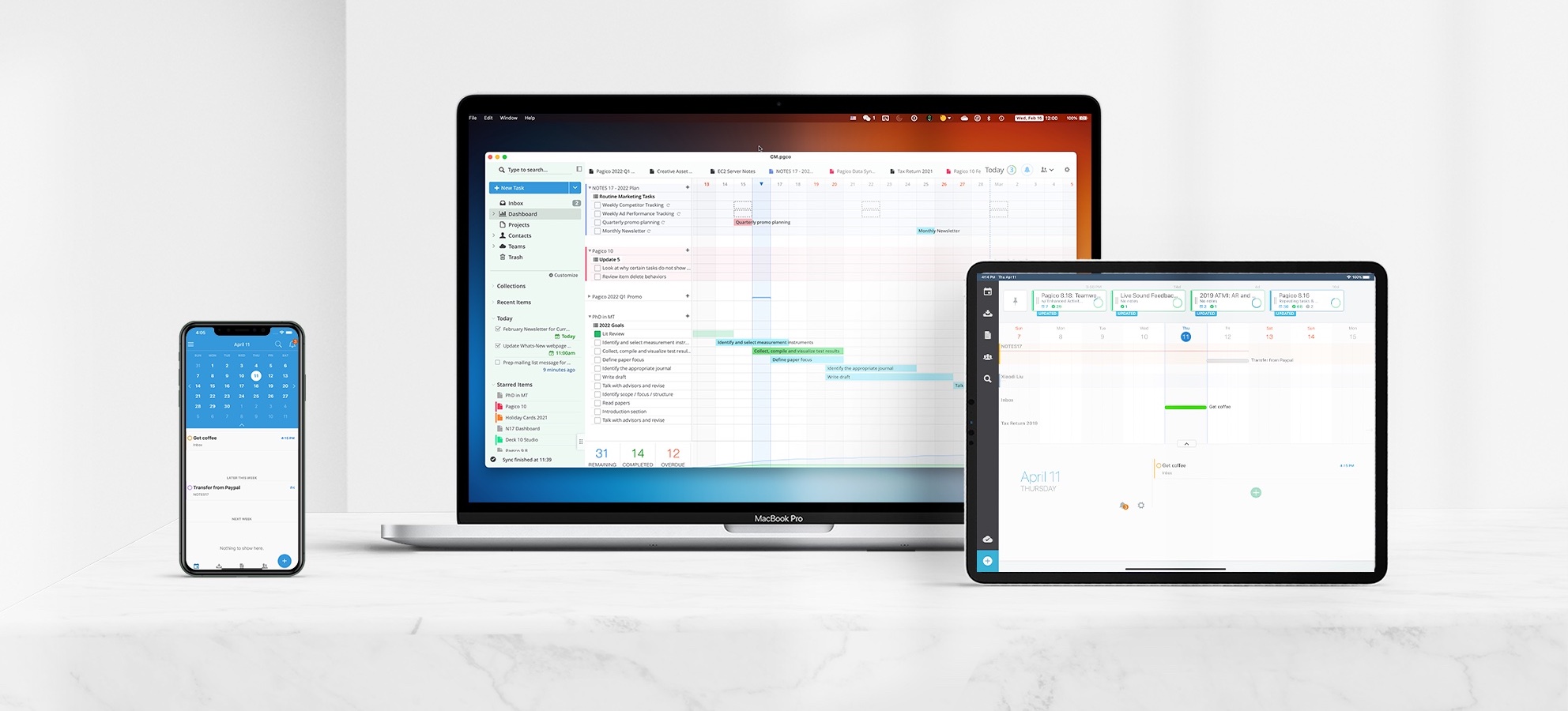
Pagico comes with a built-in feature called Personal Cloud, which lets you sync all data among your computers and mobile devices (iOS or Android). Want to collaborate with teammates? Create a Team workspace and selectively sync data with your colleagues. Need to loop in someone who doesn't use Pagico? Just use the Public Share feature to let them see your project through their web browser.
Your data is safe with us.
Pagico uses a secured SSL/TLS tunnel for data transmission, and a 256-bit AES encryption for your data stored on our servers. Your shared items will be stored on our servers for syncing purpose only. As soon as you unshare (or delete) an item, it is immediately removed from our servers.
Easy & Affordable
For individual users, the base tier of Personal Cloud is FREE. For teams, the Pagico costs as low as $4/user/month. Learn more about Pagico for Teams here.
Pagico further strengthens an original and superbly customisable task and project management app... it remains a productivity engine to be reckoned with.
★★★★½
Pagico makes similar “be productive and stay organized” proclamations, but actually delivers on those promises in a way few Mac apps do.
★★★★
- Mac|Life
Pagico's strength is its ability to link objects, contacts and projects. The iOS apps are robust as well and I love having my data on the go.
★★★★½
It does a great job at pulling everything together, no matter how scattered your tasks are between inbox and projects. It’s simple, and brilliant.
★★★★
Download Now
For your computer
For your mobile device


Additional Resources
New User?
Check out the Getting Started Guide to get up-to-speed with Pagico in just a few minutes. Have some time? Check out our video tutorials and Pagico Workshops to get the most out of Pagico. Still have questions? Check out our Online Help section.
Learn more about Pagico's development
Check out our blog or follow us on Twitter for development updates, release notes, and stories from us!
Works great for teams, too!
Organize all your projects and collaborate, right in one app.
Copyright © 2023 NOTES 17 LLC
Made with in Indianapolis, IN
